Getting started
What Vivapse is
A rocket, its physics, and a program you write. Nothing in the simulator flies the vehicle for you.
Vivapse is an orbital simulator that runs in a browser. You assemble a launch vehicle, write the flight software that commands it, and watch the physics decide what happens. There is no autopilot underneath, no assist that quietly corrects a bad pitch programme, and no scoring curve that rounds a hard landing up to a soft one.
That constraint is the whole design. A simulator that helps you is teaching you about itself. One that refuses to help is teaching you about spaceflight.
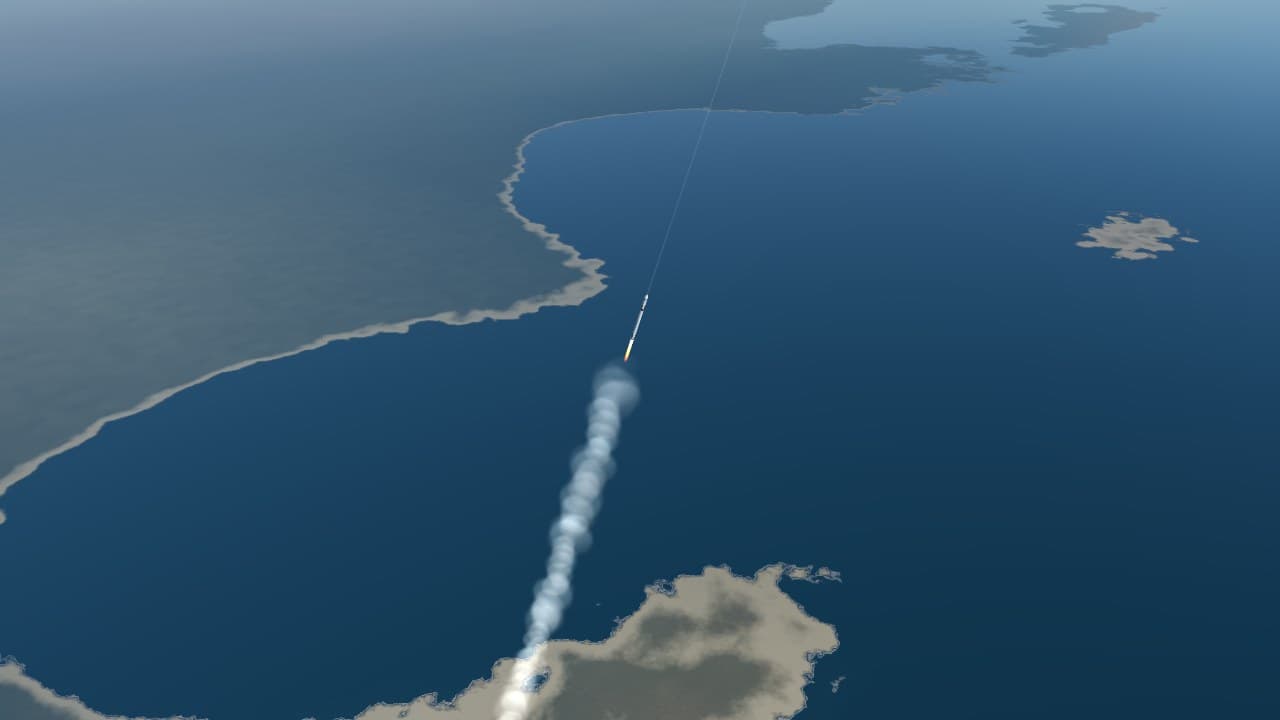
The loop
Every flight goes through the same four stages, and the rest of these docs are organised around them.
- Design the vehicle. Stages, engine groups, propellant and dry mass. The numbers you pick here set the budget for everything afterwards, and most flights are lost at this step rather than in the air.
- Write the flight program. Plain JavaScript. An
update(fc)function runs fifty times per simulated second, reads the vehicle's state, and commands throttle, steering and staging. - Fly. The simulator integrates six degrees of freedom against a real gravity field, a real atmosphere and the real weather over your launch site.
- Come back. Entry, then a landing burn that has to arrive at zero velocity and zero altitude simultaneously.
Everything is a velocity budget
Almost every decision in spaceflight reduces to one question: how much velocity change — delta-v — can this vehicle produce, and where is it being spent? A mission is feasible when the budget closes and infeasible when it does not, and no amount of good flying rescues a vehicle that was built short.
What a vehicle can produce comes from one equation, which the first course derives from scratch:
where is the speed the engine throws its exhaust and is the ratio of the vehicle's fuelled mass to its empty mass. The logarithm is the cruel part: doubling the propellant does not double the reach.
Figure · velocity budget, typical large launcher
- TOTAL
- 9.79 km/s
- LOST TO GRAVITY, STEERING AND DRAG
- 1.61 km/s
- USEFUL FRACTION
- 84%
The losses in grey are worth sitting with. Roughly a sixth of the velocity a vehicle produces on the way to orbit never becomes orbital speed at all: it is spent holding the rocket up against gravity while it climbs, pushing air out of the way, and steering. You cannot avoid them, but the pitch programme you write decides how large they get — which is the subject of the gravity turn.
What it is not
Vivapse is not a game with a physics layer. There is no progression, no parts to unlock, and no difficulty setting. It is also not a professional trajectory tool: it makes approximations, and the ones it makes are written down in fidelity and its limits rather than hidden.
The honest description is a laboratory. The instruments are real enough that what you learn on them transfers, and the failures are real enough to be worth something.
Where to go next
If you have not flown anything yet, your first flight gets a vehicle into a stable orbit with the smallest program that will do it. If you would rather understand the physics before touching the controls, the courses start from the rocket equation and assume nothing.